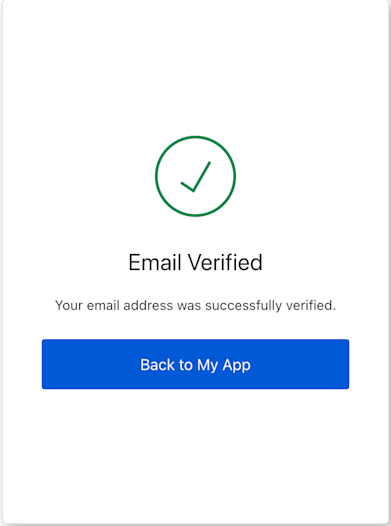
EmailVerificationResult
import EmailVerificationResult from '@auth0/auth0-acul-js/email-verification-result';
const emailVerificationResultScreen = new EmailVerificationResult();
// Access screen data
const status = emailVerificationResultScreen.screen.data?.status;
const loginLink = emailVerificationResultScreen.screen.loginLink;
console.log(`Verification Status: ${status}`);
if (loginLink) {
console.log(`Proceed to login: ${loginLink}`);
// In a UI, you would use this link for a button or anchor tag
// e.g., <a href={loginLink}>Go to Login</a>
}
Constructors
Initializes a new instance of the EmailVerificationResult class.
It retrieves the screen-specific context and sets up the screen propertyThrows
If the Universal Login Context is not available or if the
current screen name in the context does not match EmailVerificationResult.screenIdentifier. Properties
Methods
Retrieves the array of transaction errors from the context, or an empty array if none exist.An array of error objects from the transaction context.